
Setup
How Chesscheats works, step by step
Chesscheats is a Windows app that sits next to your browser while you play on Chess.com. It can show you the best move with live arrows, or play the game for you. Here is the whole path from checkout to your first game, with the same steps you will see in the app.
What you need
- A PC with Windows 10 or 11. A Mac version is in development.
- For one account, 8 GB of RAM and a 4-core CPU is enough. Running two or three bots at once wants 16 GB and 8 cores; four to six wants 32 GB and 12 or more.
- Your own Chess.com account.
- A Chesscheats plan. Starter is €10.00 a month, Pro €15.00 a month, Lifetime €50.00 once.
You do not need to install Python, an engine or anything else. The installer contains everything the app needs.
Step 1: pick a plan and get your key
Choose a plan on the pricing page and pay through G2G with a card, PayPal, Apple Pay or one of the other methods G2G supports. G2G delivers your license key straight after payment. Then sign in on Chesscheats and enter the key on your dashboard, which links it to your account.
Not sure which plan to pick? Starter is for one board with arrows and one auto-play bot. Pro runs four bots and adds the ban-risk radar. Lifetime is Pro with six bots, paid once.
Step 2: download the app
The installer is in your dashboard, on the same screen as your license key. It is plan-gated, so you always get the build that matches your plan. You can only download it after signing in, which also means you never have to trust a copy from somewhere else.
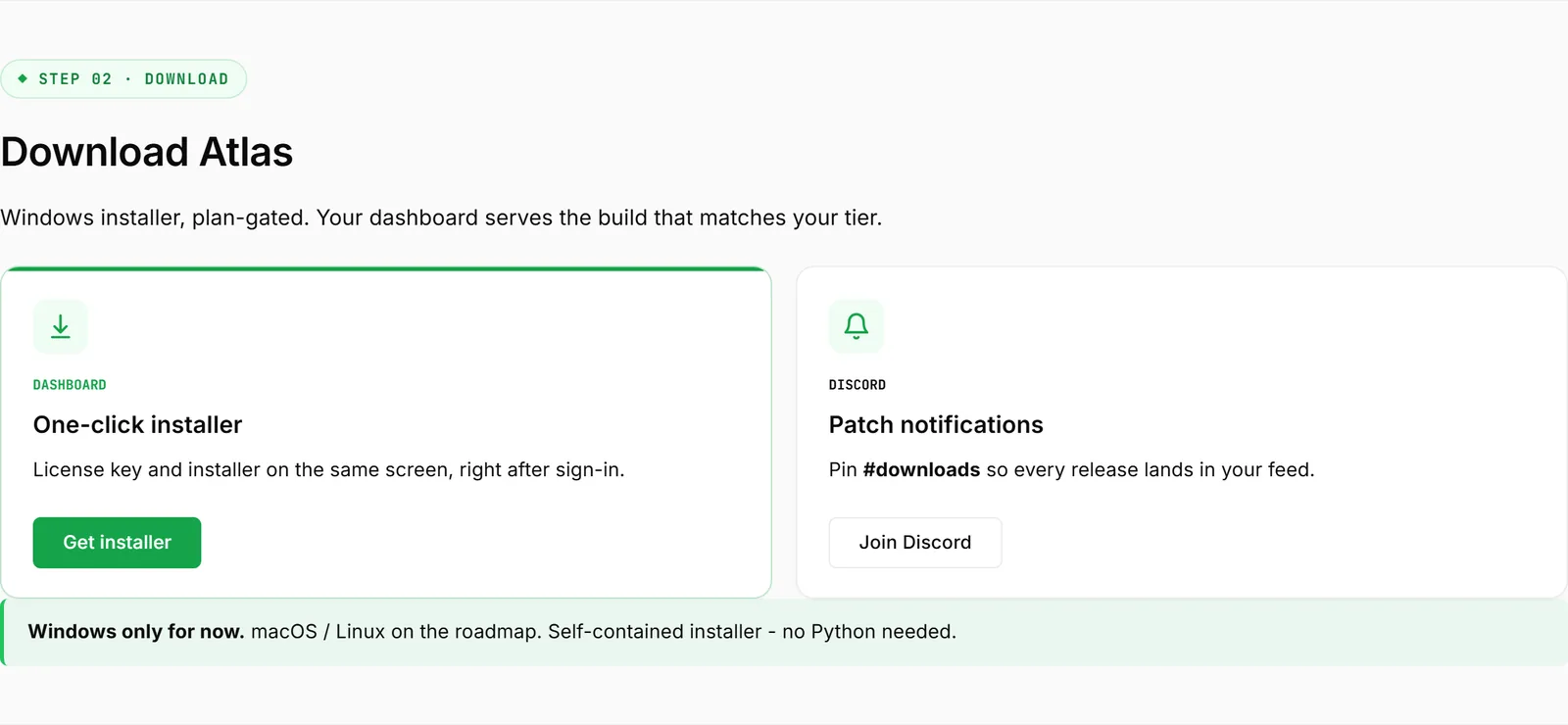
Tip: join our Discord and pin the downloads channel, so every new release shows up in your feed.
Step 3: activate your license
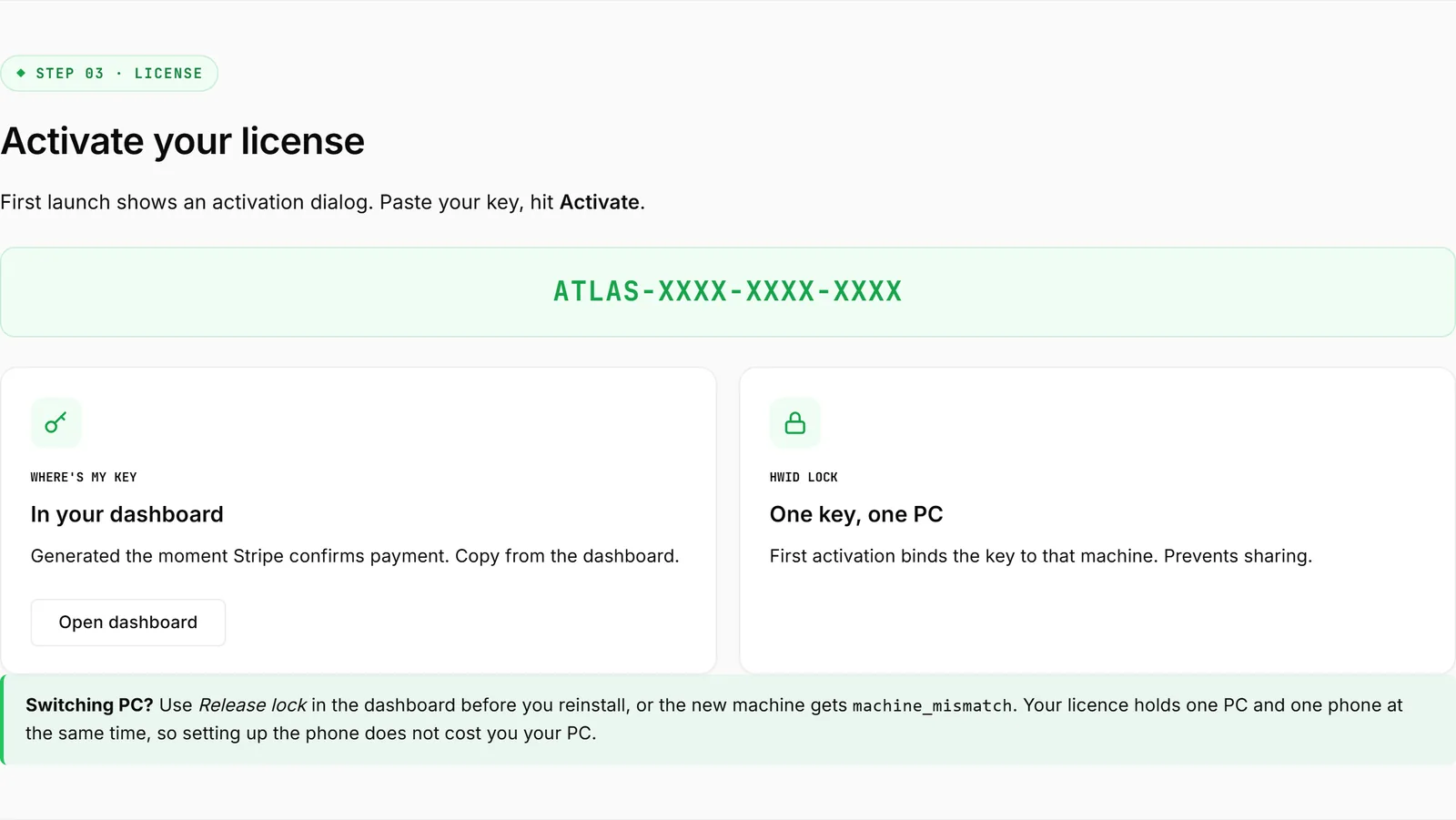
The first time you open Chesscheats, it asks for your key. Paste it and click Activate. The first activation ties the key to that PC, so a key cannot be shared around. Your license holds one PC and one phone at the same time, so setting up the phone app later will not cost you your PC.
Switching to a new computer? Use Release lock in your dashboard before you reinstall. If you forget, the new machine shows a machine mismatch, and releasing the lock fixes it.
Step 4: connect Chess.com
Open Chesscheats and click Connect account. The app opens Chess.com in its own browser window and you log in there, the normal way. Your login stays in the local profile on your own PC.
Step 5: choose how you want to play
You decide what Chesscheats does in each game:
- Arrows. You play every move yourself and see live best-move and blunder arrows on the board, plus a real-time accuracy meter. Perfect if you want to stay in control. More in Chess.com move assistant.
- Auto-play. The bot plays the game for you, like a real player of your level would. On Pro and Lifetime you can run several boards at once. More in the best chess bot for Chess.com.
The settings come pre-configured, and most people leave them alone. If you do change something, change it gradually.
Still deciding which kind of tool you want? Our guide to chess cheats for Chess.com compares them all.
Step 6: start
Click Start bot. Chesscheats opens its own browser window and starts playing, or starts showing arrows if you chose that. While it runs you see your game count, win rate and accuracy live, plus the anti-ban status of the account. You can close the main window and it keeps running in the background, queuing the next game by itself.
If you get stuck
- Machine mismatch: release the lock in your dashboard and activate again.
- No key after paying on G2G: check your G2G order page first. Still nothing? Send us your G2G order ID from the checkout window on our site and we deliver it.
- Anything else: ask in our Discord. Pro has priority support within 24 hours, Lifetime within 4.
Prefer video? The full setup is also on YouTube, linked from our setup page.
Questions people ask
Does Chesscheats work on Mac?
Not yet. It runs on Windows 10 and 11, and a macOS version is in development.
Can I use one key on two PCs?
A key holds one PC and one phone at a time. To move it to another PC, release the lock in your dashboard first.
How long does setup take?
Most people are in their first game within a few minutes of paying.
Ready to set it up?
Pick a plan, get your key instantly, and follow the steps above. 7-day money-back on every plan.
View plans